-1.png?width=500&height=125&name=PathSpot-Logo-RGB-Horizontal-1.0.0-1-e1600793653493%20(1)-1.png)
🔐 Mobile App PIN Setup & Reset Guide
📱 First-Time Login: Setting Your PIN
When you log into the mobile application for the first time, you will be prompted to create a PIN.
This PIN will be used for all future logins along with your username.
👉 You can also switch users directly in the app
🤔 Forgot Your PIN? No Problem!
If you forget your PIN, an admin user within the app can help you reset it. There are two available options depending on your setup:
🔄 Option 1: Admin PIN Reset
If no email address is associated with your mobile login:
-
An admin with the correct permissions can reset your PIN directly within the app.
-
You will then be prompted to set a new PIN the next time you log in.
📧 Option 2: Admin Email Trigger
If your account has an email address linked:
-
An admin can trigger a PIN reset email.
-
Follow the instructions in the email to reset your PIN yourself.
EMAIL EXAMPLE: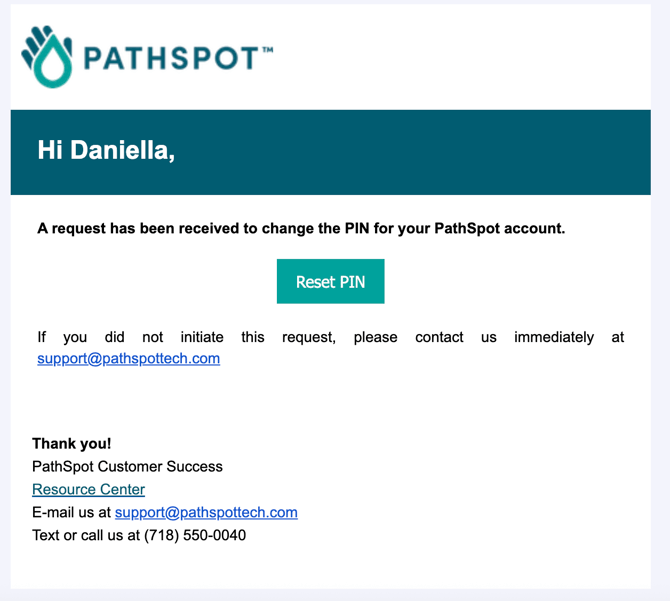
✅ Still Need Help?
If you’re still having trouble logging in, please contact support@pathspottech.com